
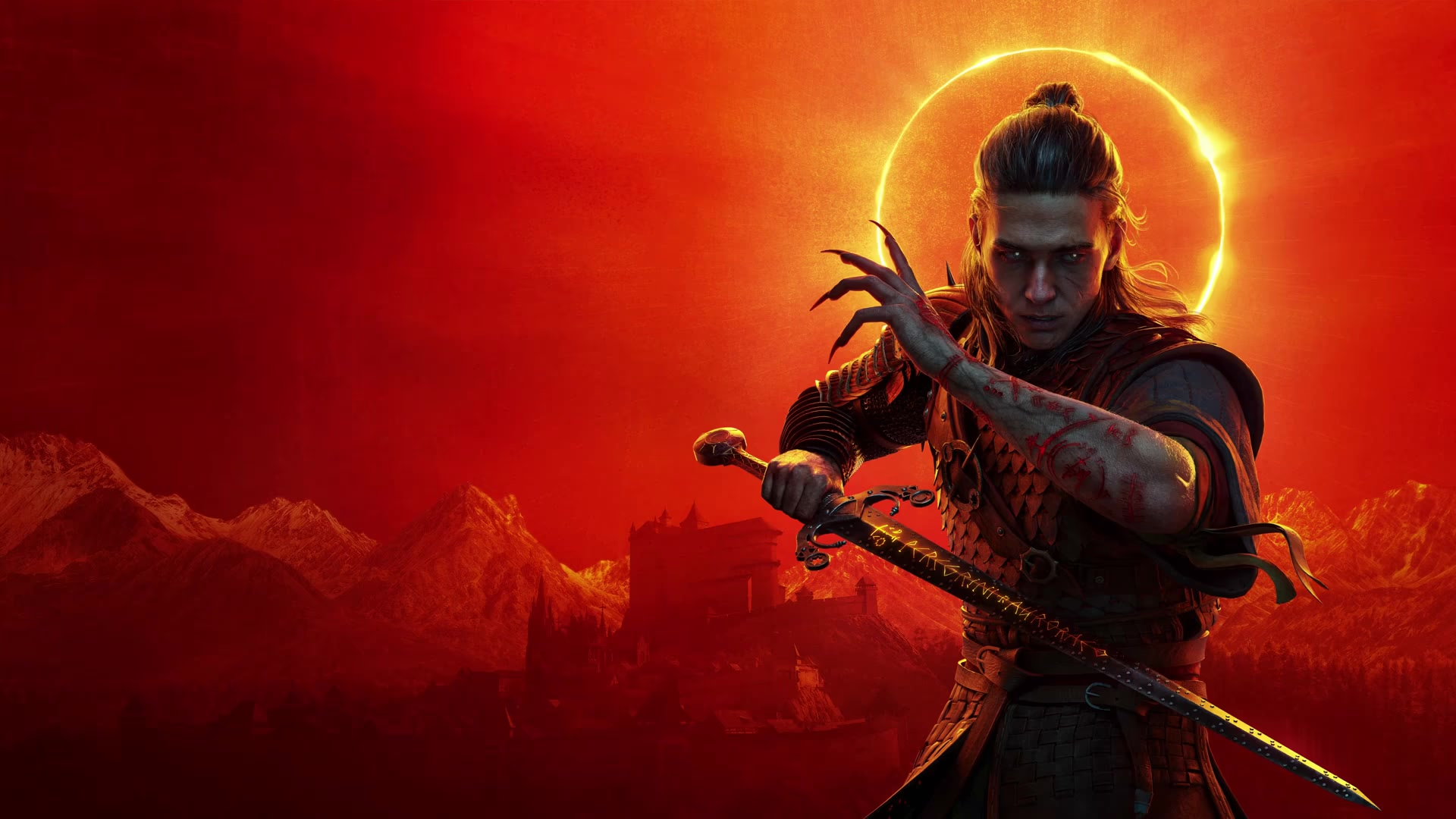
The Blood of Dawnwalker PC system requirements: can you run it?
The official Steam minimum and recommended specs, a step-by-step self-check, and why clearing the recommended tier still is not native 60 fps.
The official minimum is not high. An i5-11400F or Ryzen 7 2700X, 16 GB of memory, a GTX 1060 or RX 580, and 6 GB of VRAM.
The recommended tier is not unreasonable either: an i7-11700K or Ryzen 7 5700X, an RTX 4060, RX 7600 XT or Arc B580, and 8 GB of VRAM.
One assumption is easy to miss. The store writes these numbers with Balanced upscaling switched on. In practice, even a machine that matches the recommended tier drops below 60 fps once you reach the town and the dense forests.
The official specs
These are the requirements on the Steam store page. It is the only official list you can check against.
| Item | Minimum | Recommended |
|---|---|---|
| Operating system | Windows 10, DirectX 12 | Windows 10, DirectX 12 |
| Processor | Intel Core i5-11400F / AMD Ryzen 7 2700X | Intel Core i7-11700K / AMD Ryzen 7 5700X |
| Memory | 16 GB | 16 GB |
| Graphics | NVIDIA GTX 1060 / Radeon RX 580 | NVIDIA RTX 4060 / Radeon RX 7600 XT / Intel Arc B580 |
| VRAM | 6 GB | 8 GB |
| Storage | 60 GB available space, on an SSD | 60 GB available space, on an SSD |
Two details are worth noticing. The game ships for 64-bit Windows only, with no native Mac or Linux build. Memory is listed as 16 GB on both tiers, so the team did not lower it to 8 GB to catch weaker machines.
Why VRAM and SSD get called out
In an Unreal Engine 5 open world, texture streaming and geometric detail eat VRAM, while asset loading eats storage bandwidth.
By putting 6 GB and 8 GB of VRAM and an SSD install in the notes, the team is admitting both are hard thresholds.
A strong GPU with too little VRAM shows texture pop-in and hitching. A mechanical drive makes streamed loading stutter more obvious as you travel.
What the recommended tier really means
Reading the store page as a promise is the most common mistake. The recommended tier describes medium settings with upscaling enabled. It does not describe native 1440p at high settings and a locked 60 fps. Testing shows:
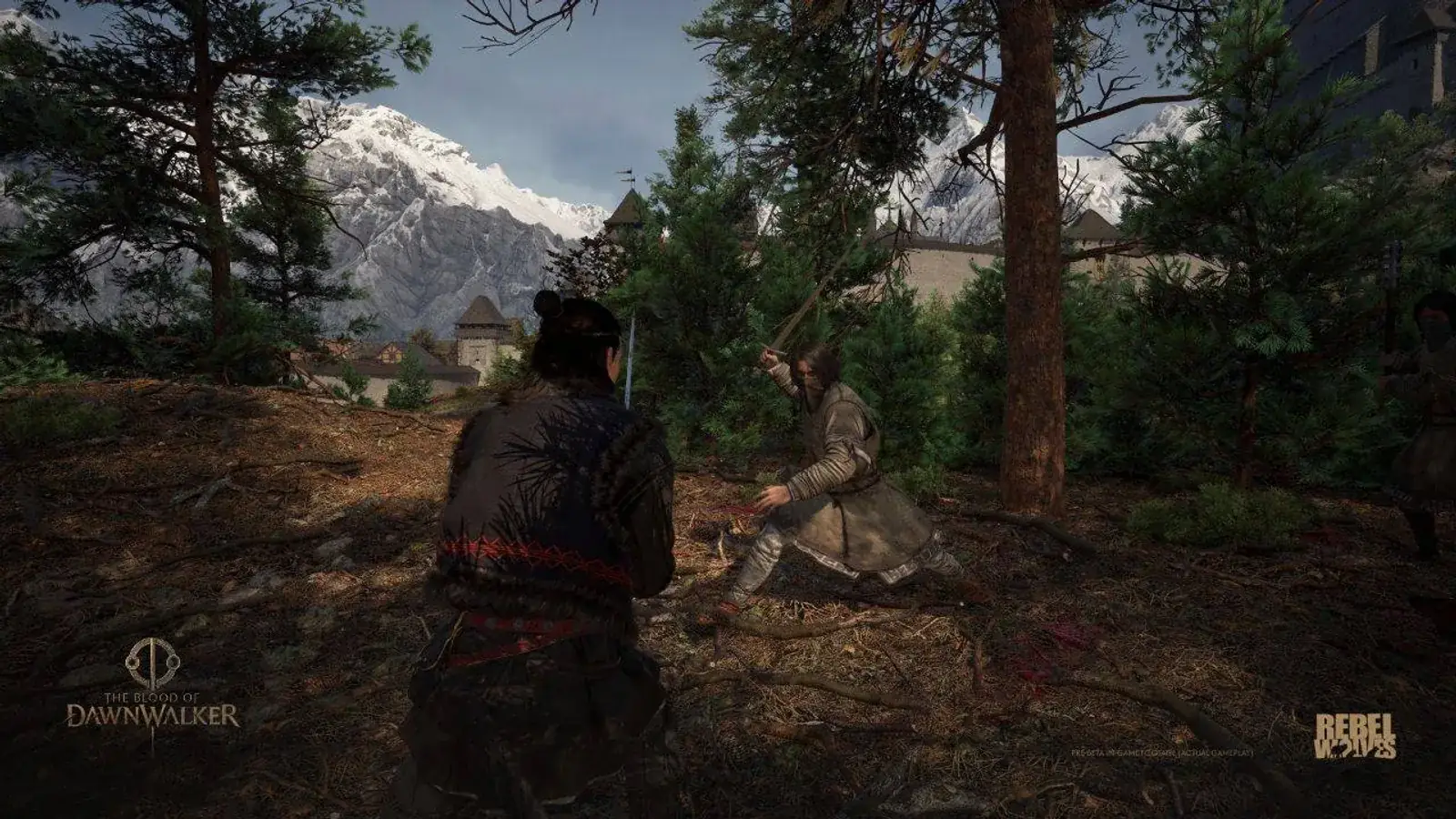
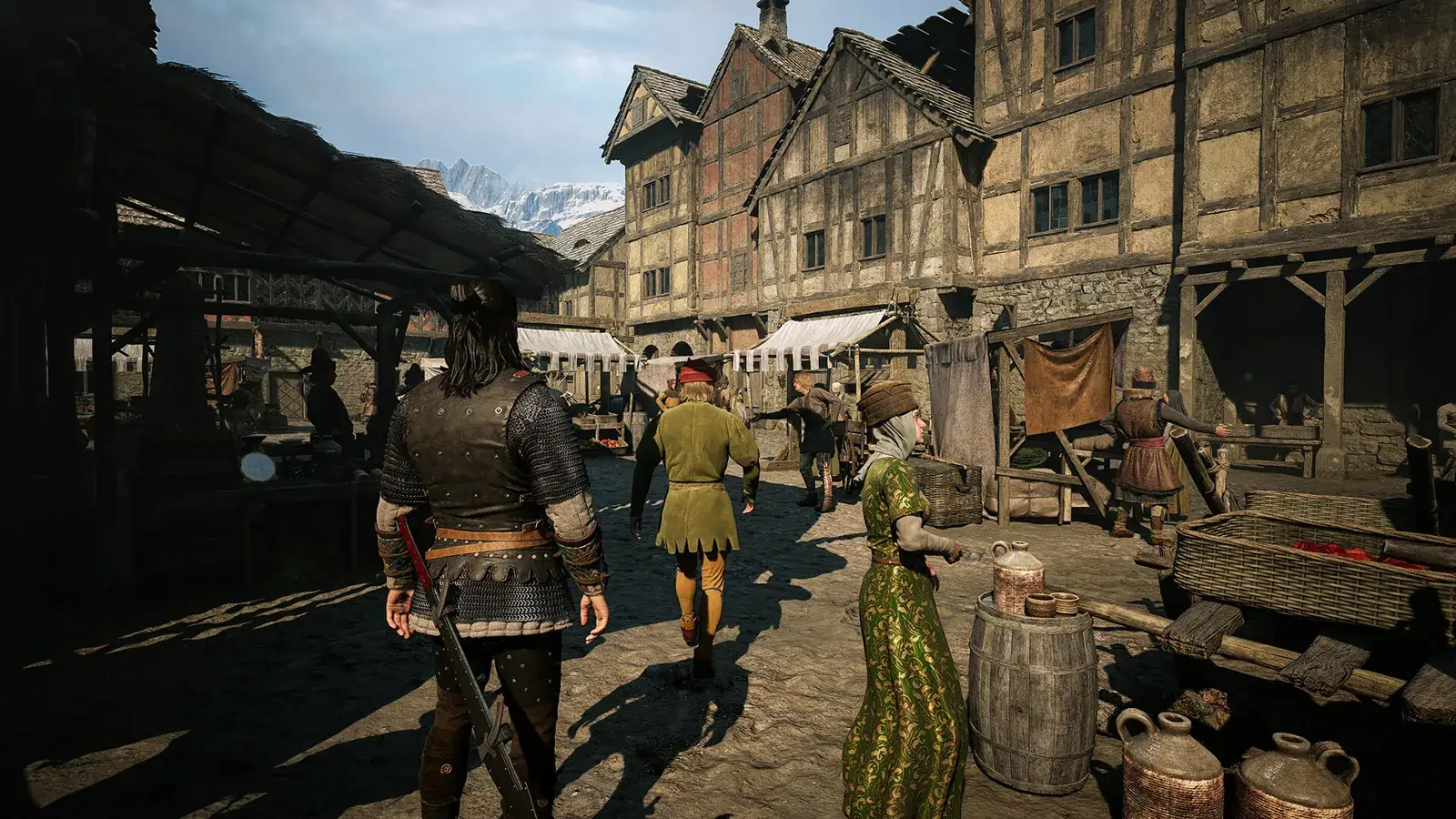
- Real performance sits below the label. Open areas, the town and night fights with several enemies cost the most.
- Frame-time spikes and traversal hitching appear on high-end machines too, so this is not simply a weak GPU.
- Cutscenes are locked to 30 fps and no setting unlocks them.
The fair reading is this: the minimum runs the game, and the recommended tier is the expectation of near-60 fps at medium settings. Neither is a frame-rate guarantee.
How to check your own machine
- Open Windows system information and note the CPU model and installed memory.
- Check the GPU model and VRAM in your graphics driver panel or system information, focusing on whether you have 6 GB or 8 GB.
- Make sure at least 60 GB is free and install the game on an SSD.
- Confirm your build in the Steam library, because performance fixes ship with each version.
- Once in game, step down shadows, reflections, effects, detail and foliage quality until frame times settle.
What the official data does not give you
There is no official benchmark tool, and no official table that maps a specific GPU to a frame rate. The popular benchmark sites are third-party estimates. So this page promises no frame numbers: the same card behaves very differently in a different area or upscaling mode.
Sources
Related Articles
Guides
IGN review roundup
IGN gave The Blood of Dawnwalker a 9, critics settled around 83 on Metacritic, and Steam players split on PC performance. Here is the full picture.
Platform
Stutter fixes
What hotfixes 1.0.2 to 1.0.5 do about stutter, the official workarounds for known issues, the console modes, and the settings that buy the most frames.
Platform
Platforms and stores
A current platform matrix for PC, PS5, Xbox Series X|S, cloud services and unsupported older consoles.