
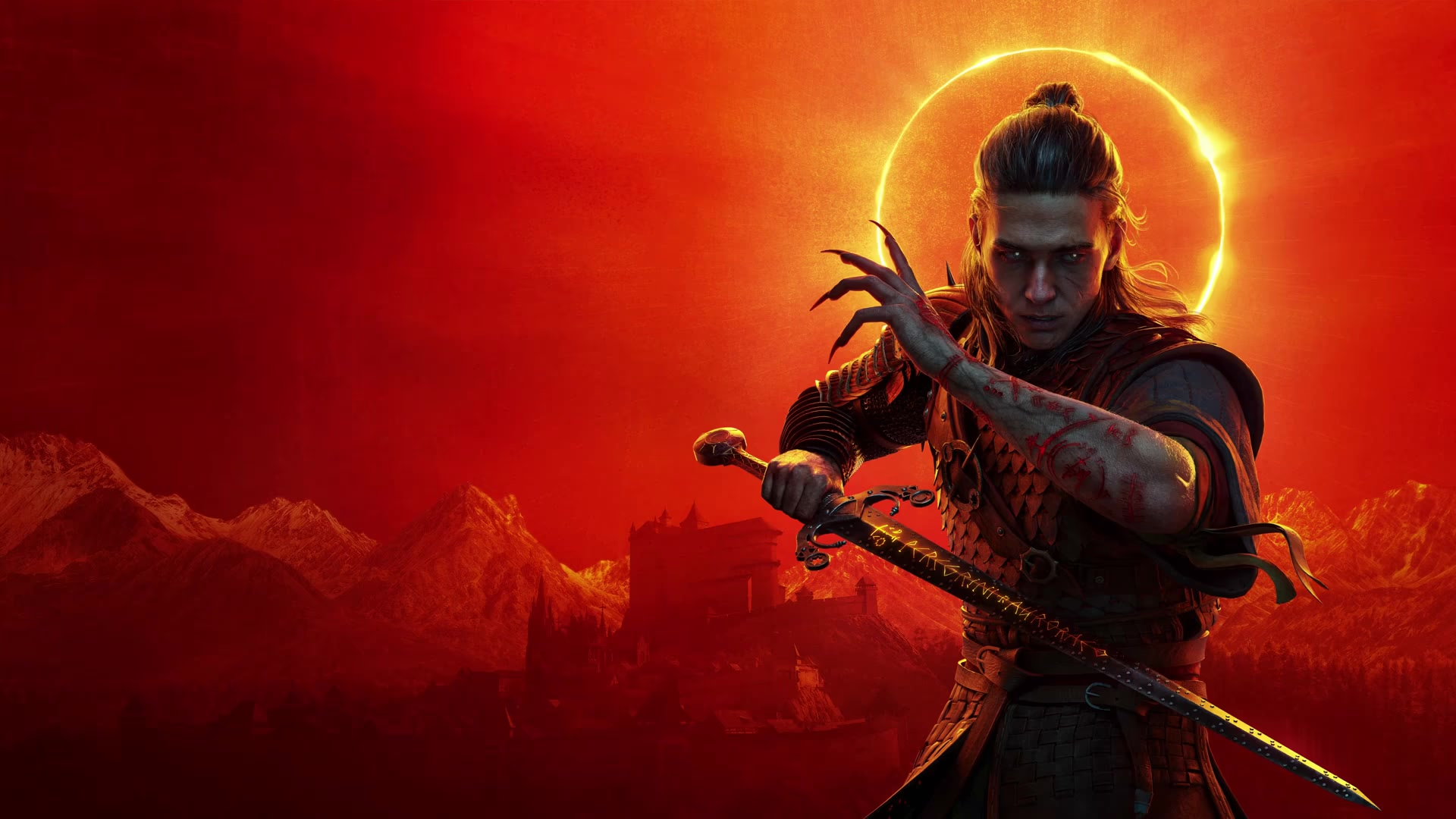
The Blood of Dawnwalker stutter and performance fixes: official first
What hotfixes 1.0.2 to 1.0.5 do about stutter, the official workarounds for known issues, the console modes, and the settings that buy the most frames.

When stutter hits, do two things before touching any setting.
First, confirm the game is on Hotfix 1.0.5. That patch reworked the shader compilation pipeline, which the team says can ease stutter for some players.
Second, switch the display mode from windowed or borderless to full screen. That workaround comes straight from the official 1.0.2 post.
If both are done and the problem remains, then start lowering settings.
What the official patches fixed
| Version | Performance-related content |
|---|---|
| 1.0.2 (Sep 3) | PC controller dead zone and sprint input adjusted; three known issues published: windowed and borderless stutter (workaround: full screen), a crash while compiling shaders (update your BIOS), and missing PS5 pad button mapping |
| 1.0.3 (Sep 4) | DualSense support on Steam |
| 1.0.4 (Sep 9) | Outdated GameInput controller software no longer causes frame drops; FSR Frame Generation VSync fixed; quality-preset mods now apply |
| 1.0.5 (Sep 10) | Shader compilation pipeline improved, easing stutter for some players |
Note the wording: 1.0.5 may fix stutter for some players. There is no frame-rate promise, and the team never claimed performance is fully solved.
Troubleshooting order: official first
- Update the game. Performance fixes ship with versions, so check the build number first.
- Use full screen. The windowed and borderless stutter is the one the team named, and many players see an immediate change.
- Update GPU driver and BIOS. The team ties the shader-compilation crash to the BIOS, so update the motherboard firmware and graphics driver when you crash.
- Clear out old controller software. Outdated GameInput is exactly what 1.0.4 targeted, so update that driver too.
- Lower graphics settings. See the next section.
- Consider frame generation last.
PC graphics settings: where the frames are
Independent testing agrees on the same point: shadows, reflections, effects, foliage and detail quality are what really cost frames. Dropping each by one step recovers a visible amount, with limited visual loss.
| Setting | Recommendation | Why |
|---|---|---|
| Shadow quality | Medium, then Low if needed | Shadows are one of the biggest costs in UE5, and Low still reads fine in motion |
| Reflection quality | Medium | The top tier switches to a more expensive reflection method, while Medium keeps screen-space reflections |
| Effects quality | Medium | This one also controls how far distant foliage animation updates |
| Detail quality | Medium | Affects ground detail and grass density |
| Foliage quality | Medium | Directly thins out forests |
| Post-processing | High | Dropping to Medium visibly weakens bloom and similar effects for little gain |
| Light quality | High | Going lower introduces visible light leaking |
| Texture quality | Medium when VRAM is tight | An 8 GB card at 4K can exceed its VRAM budget on the top tier |
Mind the upscaling mode too. The official recommended specs already assume Balanced. Pushing one step further usually buys only a few frames while adding visible noise and edge shimmer, so it rarely pays off.
Is frame generation “performance”?
No. Frame generation smooths motion by inserting frames. It does not improve rendering performance and it adds input latency.
In testing it lifts the frame counter noticeably on recommended hardware. The game still labels the option experimental. If you already hold above 60 fps without it, leaving it off is usually the better call.
Console: choosing between the three modes
PS5 and Xbox Series X both offer three modes: 30 fps quality, 40 fps balanced and 60 fps performance. Performance mode arrived in a day-one patch.
Testing finds performance mode fine while travelling the open world, but once combat starts or you enter foggy, tree-dense areas it slips into the 50s and even the 40s. It also leans on VRR, which you must force on in the console menus or the dips read as judder.
Xbox Series S has a single 30 fps mode with no alternative. The 30 fps quality mode shows clear hitches in NPC-dense scenes such as the church.
What settings cannot fix
- Frame-time spikes in open areas and the town, which appear on high-end hardware too.
- Loading-related hitching while travelling.
- Cutscenes locked to 30 fps with no way to unlock them.
These belong to the shipped build and can only change with a later update.
Sources
Related Articles
Guides
IGN review roundup
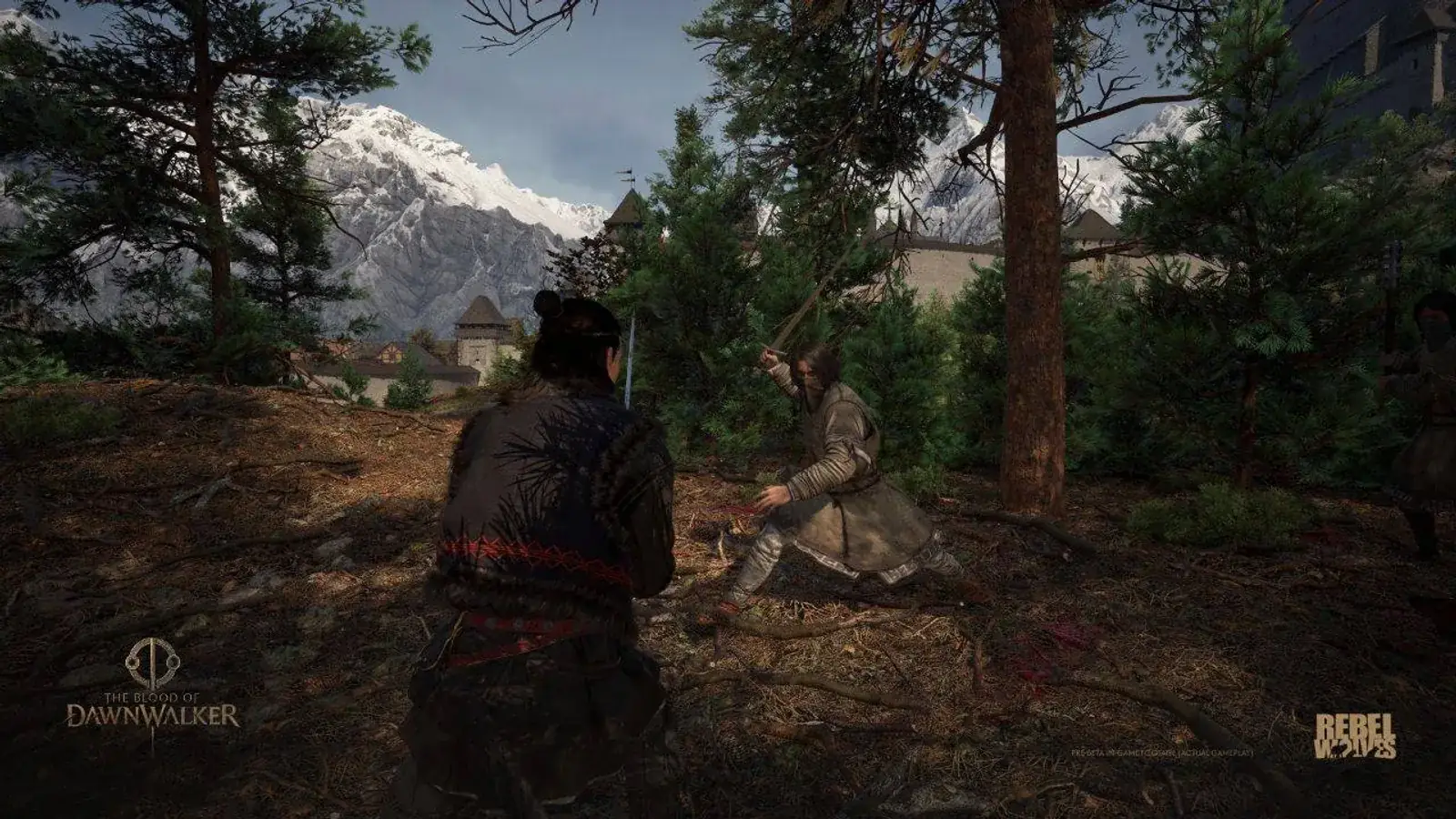
IGN gave The Blood of Dawnwalker a 9, critics settled around 83 on Metacritic, and Steam players split on PC performance. Here is the full picture.
Platform
PC requirements
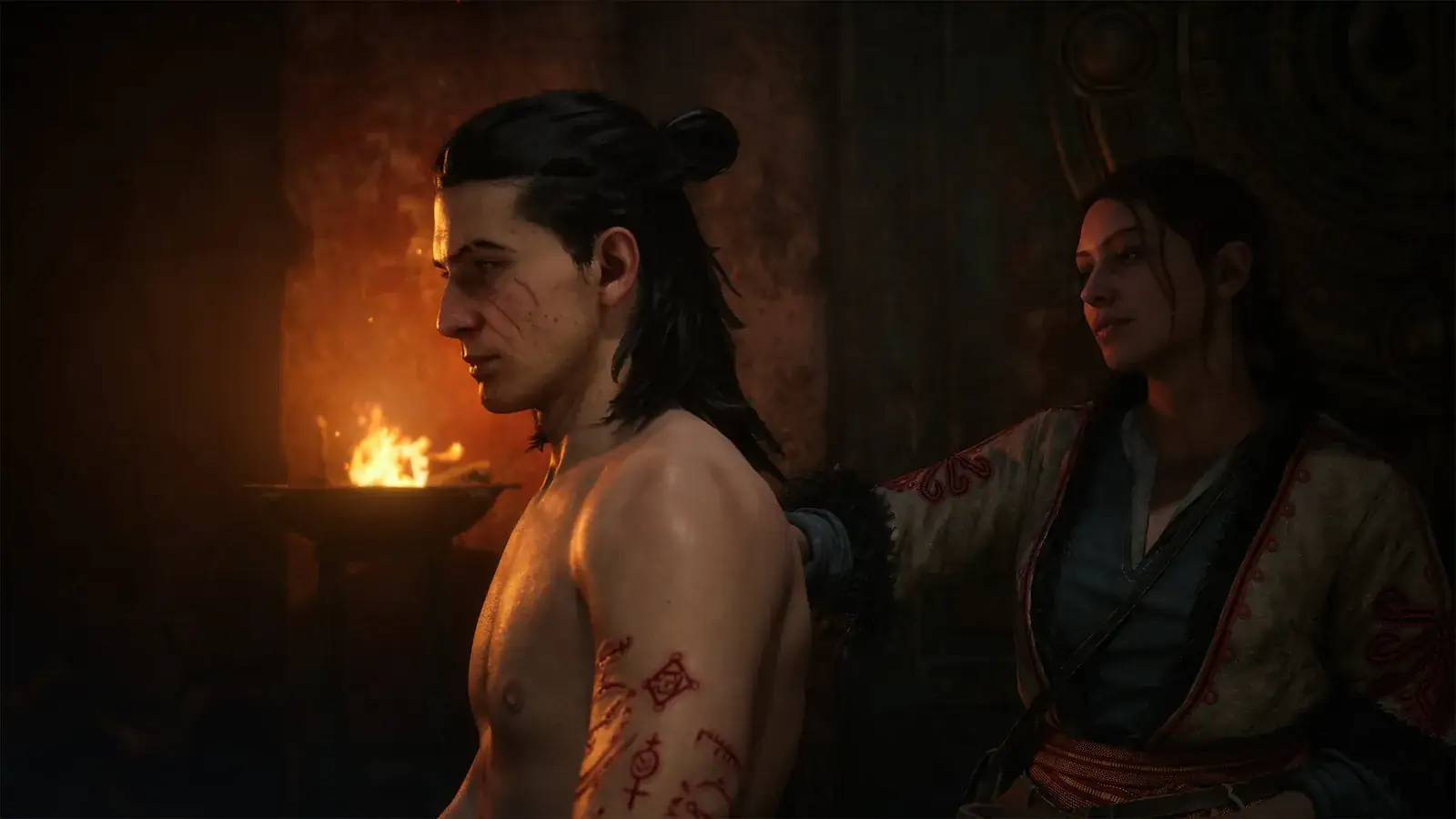
The official Steam minimum and recommended specs, a step-by-step self-check, and why clearing the recommended tier still is not native 60 fps.
Platform
Platforms and stores
A current platform matrix for PC, PS5, Xbox Series X|S, cloud services and unsupported older consoles.